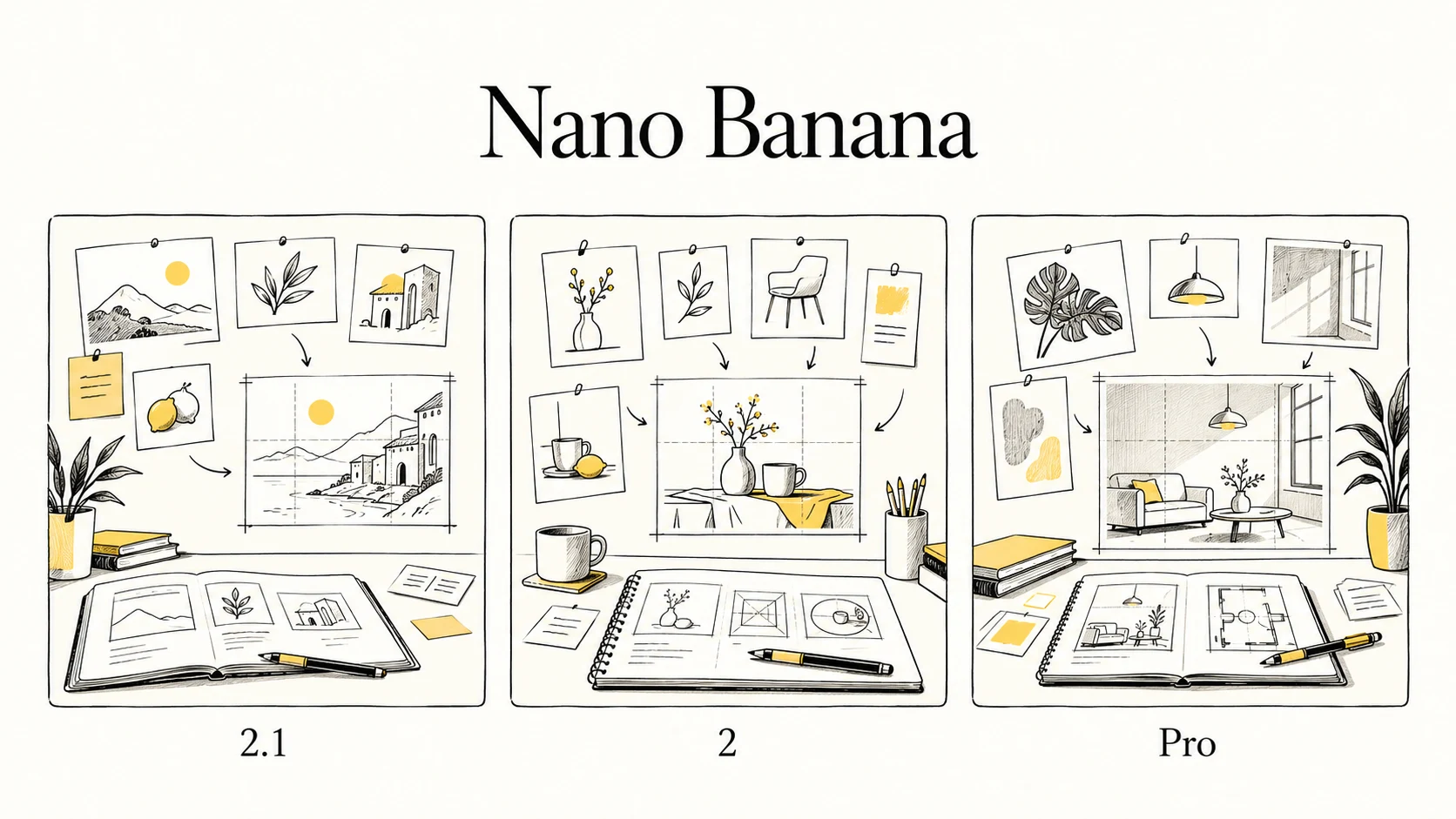
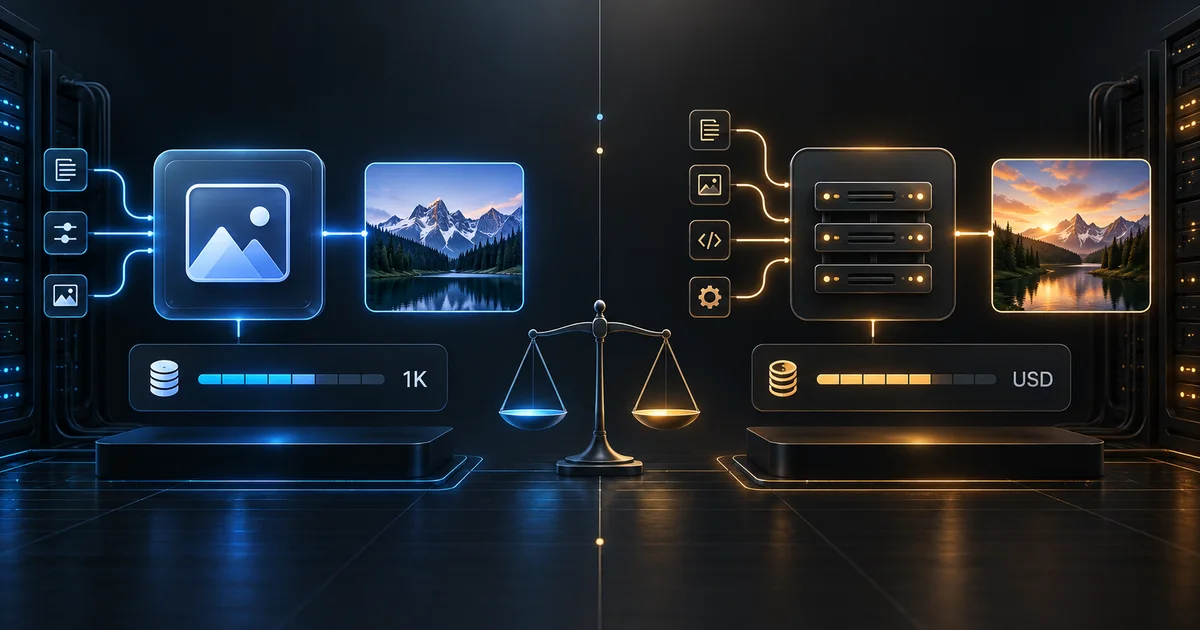
Nano Banana 2.1 creates and revises images from a written brief and reference pictures. Build product scenes, illustrated characters and text-bearing artwork with Google’s successor to Nano Banana 2, then receive 1K, 2K or 4K images through the Nano Banana 2.1 API.
Choose 2.1 for reference-led scenes and revised layouts. Keep another family model when its established output or a simpler deliverable is the requirement.
Task requirement
Nano Banana 2.1
Alternative and tradeoff
Subject identity across scenes
Choose 2.1 when a product or character must recur in new settings. Describe identity details and provide the previous image; improved consistency still needs visual review.
Keep Nano Banana 2 for a series already approved on that model. Its fields match 2.1 but its per-image prices are higher at every tier, so retain it only to preserve your tested workflow. Revalidate identity before migrating.
Lettering and layout
Choose 2.1 for posters and infographics that combine image edits with a defined text hierarchy. Specify exact wording; small text and long paragraphs can still fail.
Try Nano Banana Pro for a complex knowledge-heavy diagram or localized brand layout. This is a different creative option, not a guaranteed text-accuracy upgrade. Compare the same resolution: Pro costs more at 1K and 4K, and uses jpg rather than jpeg for JPEG output.
Change one part of an image
Choose 2.1 for a prompt-directed object, clothing or background edit. List what changes and what stays; the gateway has no mask field to lock the surrounding pixels.
Use Nano Banana 2 for an edit sequence already validated there. Neither its endpoint nor 2.1 accepts an explicit mask; switching models cannot guarantee pixel-locked local edits. Use a separate masked-edit workflow when that is required.
Composition and delivery shape
Choose 2.1 for very wide banners or narrow vertical artwork: its 8:1 and 1:8 presets avoid composing a square image and cropping it later. Define subject placement in the brief.
Choose Nano Banana 2 Lite for a simple 1K draft whose composition does not need sequential character edits. The gateway exposes only 1K for Lite; its 1K price is currently below 2.1’s, so choose it only when a simple 1K draft is enough.
Reference conditions and cost
Use 2.1 when a brief needs up to 14 public HTTPS references and output beyond 1K. Assign each reference a role; accepted image count does not guarantee every subject survives the composition.
Use Pro only when its creative approach earns its higher same-tier spend; it also accepts 14 references, so it adds no input-count advantage. Lite still accepts references in this gateway, but stays at 1K and is not the preferred route for sequential identity work.
Input modes and reference contract
Use only the fields supported by this model. Reference limits and combinations follow its API contract.
prompt
What to generate, or what to change when editing. Up to 5,000 characters.
images
Images to edit, as HTTPS URLs. Omit for text-to-image.
1–14 HTTPS URLs
/v1/images/tasks
{
  "model": "nano-banana-2.1",
  "prompt": "A cozy coffee shop interior with warm lighting and plants.",
  "aspect_ratio": "1:1",
  "resolution": "1K",
  "output_format": "png"
}
Use only the fields supported by this model. Reference limits and combinations follow its API contract.
Create and refine with Nano Banana 2.1
Describe the finished image and the details that matter. Nano Banana 2.1 can combine references, revise a scene and design a visual message; its editing remains generative, so preserving a subject or a small line of text still needs review.
Create a scene from a brief
Describe the subject, setting, viewpoint, light and visual style to create a scene without a starting image. A clear relationship between those details is more useful than a list of flattering adjectives: a wide motel scene and a tightly framed portrait require different composition instructions.
Combine visual references
Bring people, products and a setting together from reference images. Explain which picture supplies each person, object or style, and how they should relate in the finished scene. Up to 14 references are accepted, but that count is an input limit, not a promise that every detail or person will be retained.
Change a setting around a subject
Use an existing image to change the setting, lighting, clothing or selected object through written instructions. Name the changes and the features that should stay recognizable. The API has no explicit mask field: an annotated reference can guide the edit, but cannot lock untouched pixels or guarantee that drawn marks disappear.
Design images that carry text
Build posters, labels and infographics with an explicit headline, supporting copy and visual hierarchy. Supply the exact words rather than asking the model to invent final copy. Improved text rendering does not eliminate spelling, small-print or long-paragraph errors; important facts and lettering still need proofreading.
Carry a character into another scene
Reuse an approved character image while changing the pose, costume or surroundings. State the facial features and identity cues that must connect the images. Each revision is a new image task with references, rather than an automatic conversation memory; likeness may drift as edits accumulate.
Reinterpret a visual style
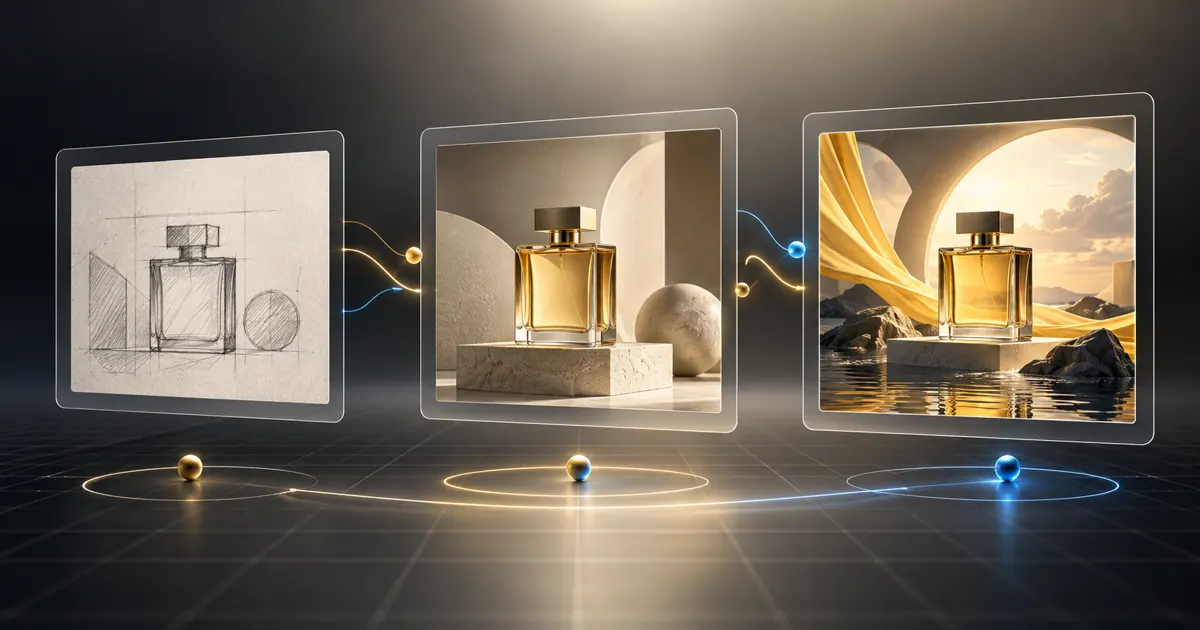
Turn a scene or reference into an illustration, collage or another visual treatment while describing the content to keep. Separate content instructions from texture, palette and drawing style. This supports creative alternatives, rather than a format conversion that preserves the original image pixel for pixel.
See the capabilities in the output
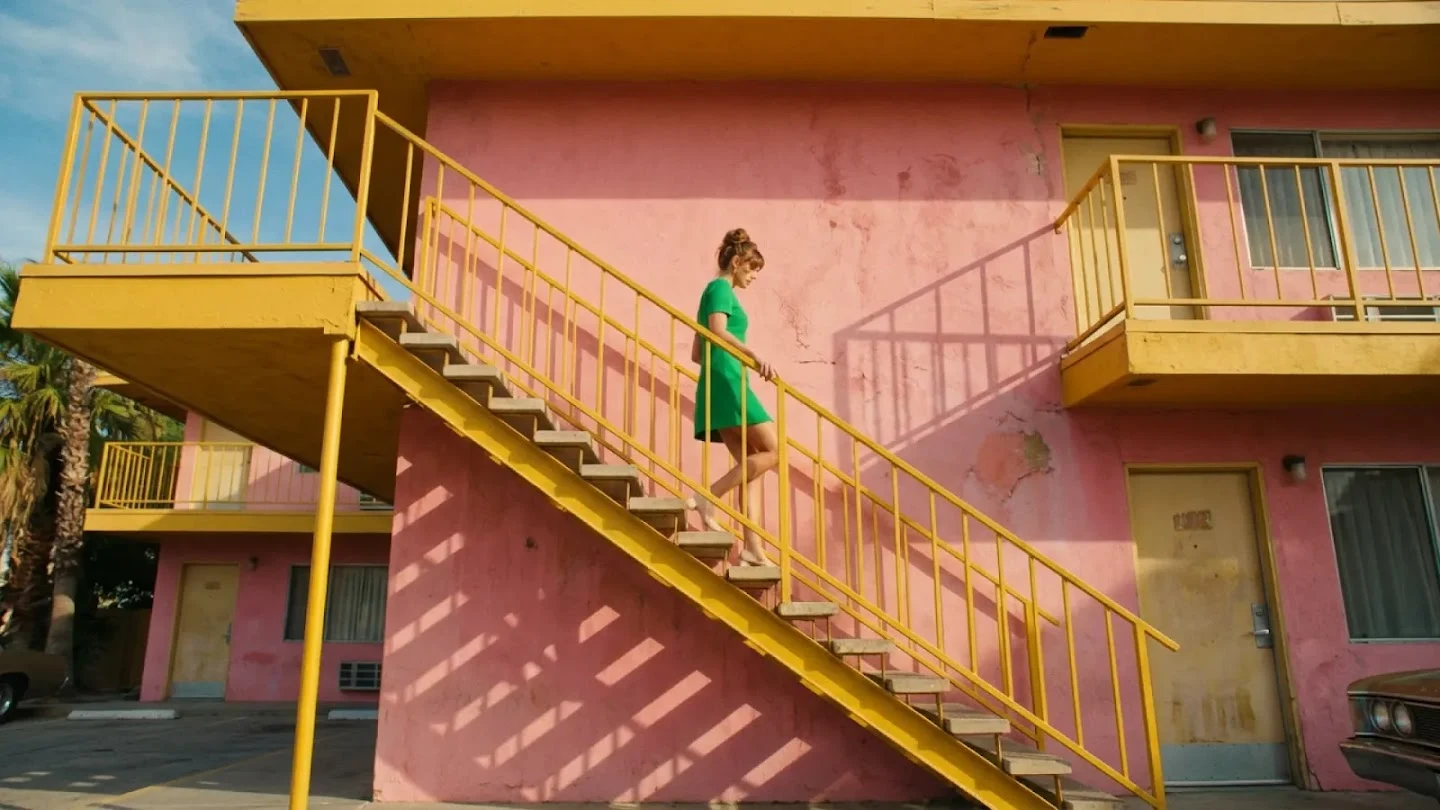
Yellow staircase and emerald dress
A 16:9 horizontal cinematic still, shot from street level looking up at the sharp diagonal steel exterior staircase of a two-story retro motel painted vibrant mustard-yellow against a flamingo-pink stucco facade. An adult woman in an emerald-green mini dress descends the staircase, her hand trailing along the yellow railing. The bright yellow, pink, and green color clash creates a delightful, sun-drenched cinematic mood.
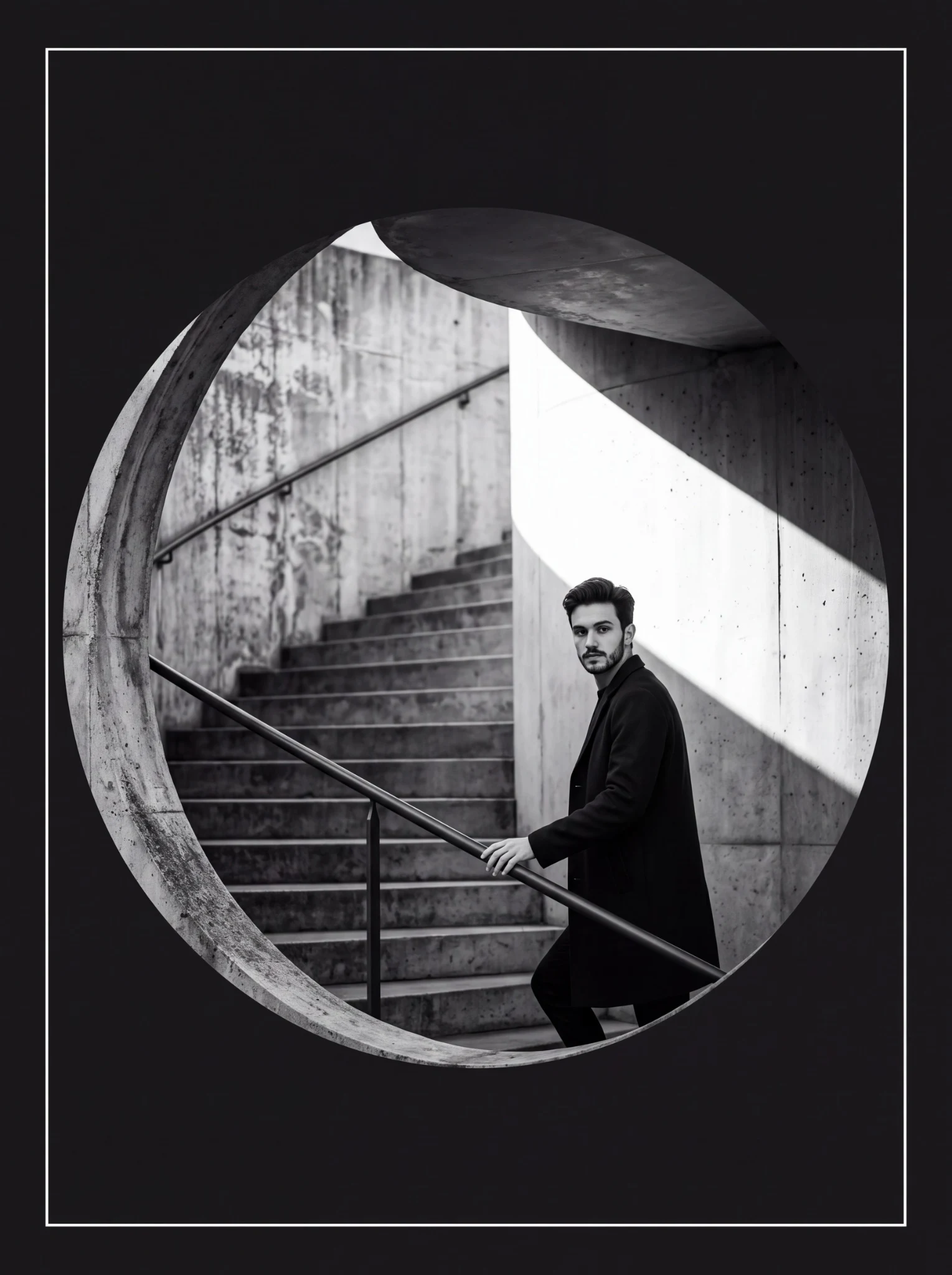
Circular concrete stairwell portrait
Black and white fine-art architectural portrait photography, vertical 4:5 portrait format. A perfectly circular porthole-shaped cutout reveals a brutalist concrete stairwell, while everything outside the circle is flat, solid near-black charcoal (#161616), with a thin crisp white rectangular border line inset a few millimeters from the frame edge. The circle sits slightly above center, with the thick, weathered concrete ring edge visible on the left side.
Inside the circle: wide concrete steps rising diagonally from left to right, a slim dark metal handrail running parallel along the diagonal, a large curved concrete wall on the right catching a hard shaft of direct sunlight that creates a bright white diagonal shape, a dark curved ceiling overhang at the top right, and rough concrete texture on the left wall. Extremely high contrast, deep crushed blacks, bright highlights, strong geometric lines and curves.
A lone man is walking up the stairs in the lower right of the circle, caught mid-step, one hand lightly sliding along the metal handrail. His body is angled up the staircase, but his head is turned and he looks directly into the camera lens, making strong eye contact with the viewer. He is clearly visible, not a silhouette: bareheaded with short dark hair, no hat, no cap, wearing a dark long coat, face lit by the sunbeam on one side, with a calm, serious expression. His face is the sharpest point in the image, with crisp eyes, skin texture, and defined jawline, in razor-sharp focus.
Shot on an 85mm f/1.4 portrait lens, shallow depth of field, the stairs, handrail, and concrete walls behind and in front of him fall into a soft, creamy blur, with gentle compression of the stairwell geometry. Moody, minimalist, cinematic, fine film grain, no color, no text.
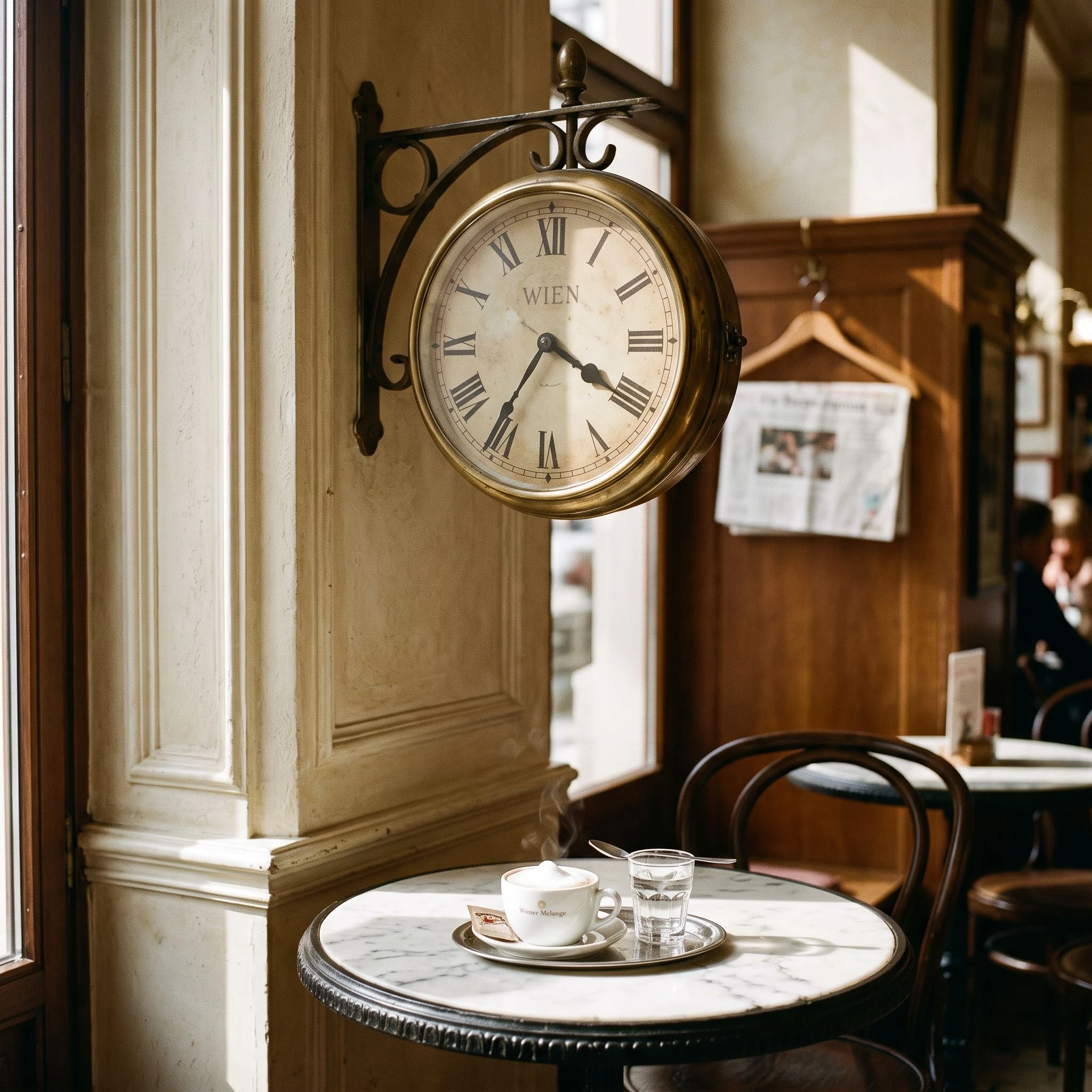
Viennese café brass clock
A sunlit Viennese café wall with a brass station clock reading exactly 4:37, a steaming melange on the marble table below it
Fashion group in a colorful geometric set
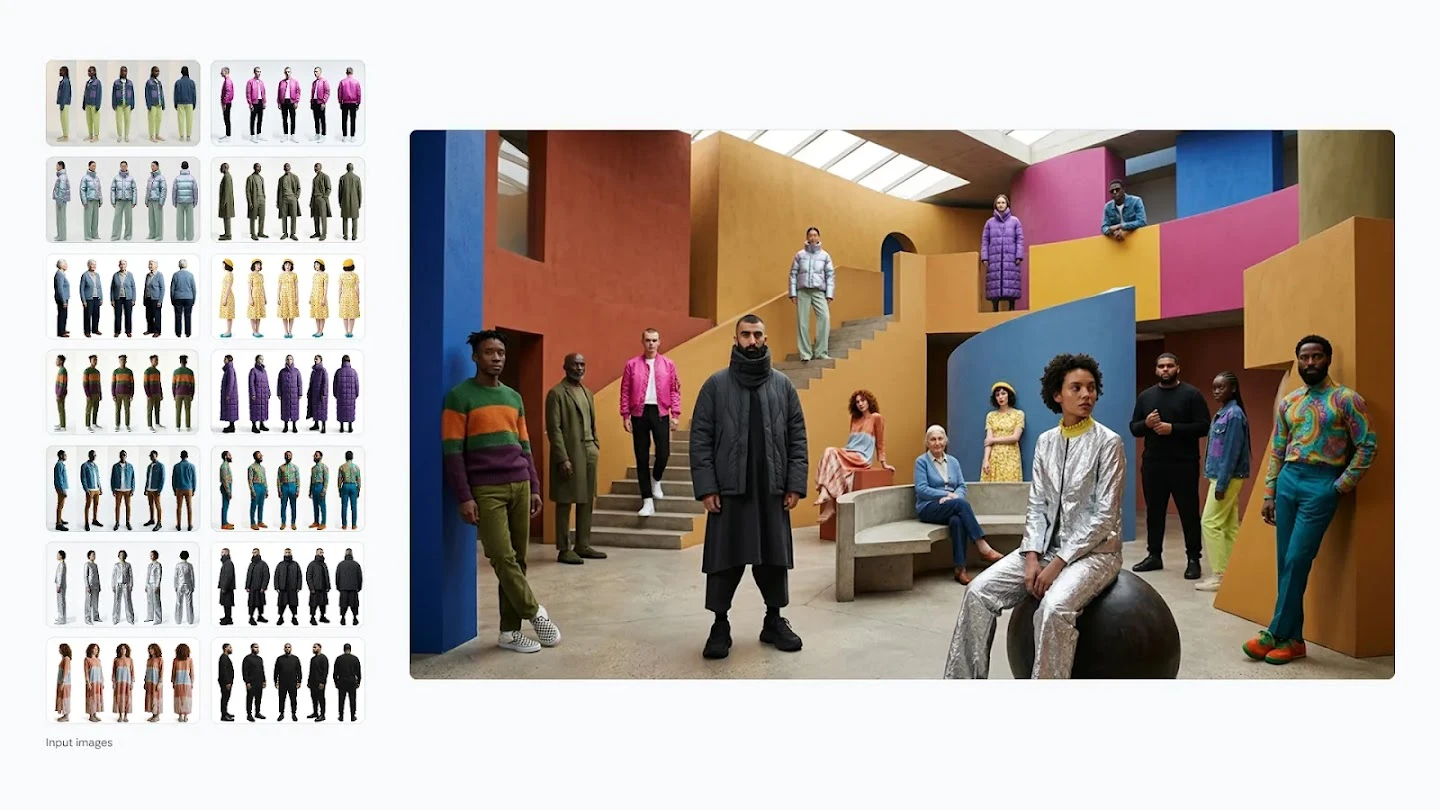
i want a high-end editorial fashion shot with all these models posing together in abstract colorful set, dramatic composition, some models are far and some are close. choose a theme
From a creative brief to usable images
Turn a campaign brief, a character reference or an early idea into product scenes, poster drafts and storyboards you can review and revise.
Product photos for a seasonal campaign
A product team can use its current bottle, bag or packaging photo to plan a summer campaign without arranging a new shoot for every concept. Combine that product reference with a beach, studio or shop-window brief to create campaign variations for a landing page and social posts. The product remains the focal point; fine logos, labels and materials need approval before the image becomes final advertising.
Bring separate portrait references into one editorial
For a fashion presentation or a cast concept, separate portrait references can become one group scene. Define the shared set, styling and where people stand so the result communicates the intended ensemble. The image can support a lookbook or an art-direction discussion; it does not replace checking each person’s likeness, pose and outfit.
Event posters with the actual message
An event organizer can turn the approved event name, date, venue and visual idea into a poster draft with a clear reading order. The result brings the words and imagery into one composition for an announcement, print discussion or social card. Keep essential information concise and readable; long schedules and legal text are better added in a layout tool after the image is made.
A recurring character for a story or series
An illustrator or content creator can use a character reference to explore a café meeting, a street scene and a different emotional moment without redesigning the person from scratch. Specify the recognizable features alongside what changes in each scene. These images can form a storyboard or a social series; an approved reference helps connect them, but does not guarantee identical faces across every frame.
Show a creative direction before the shoot
A director or designer can make a visual proposal for a color palette, location and camera viewpoint before booking a shoot. A yellow-staircase motel scene, a circular architectural portrait or a warm café interior communicates atmosphere more clearly than a list of adjectives. Use the images in a moodboard or pitch deck, then refine the practical production plan separately.
Give a campaign a second visual treatment
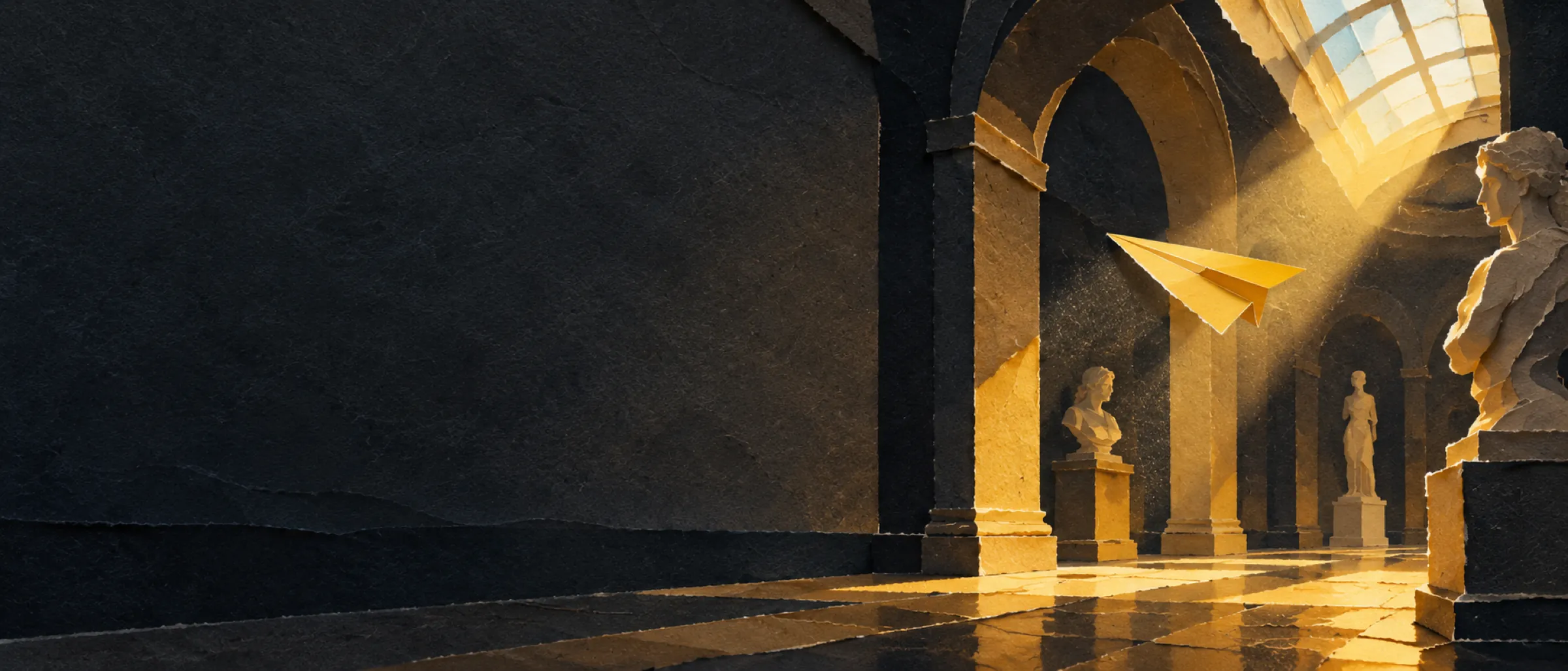
A designer can explore how a campaign scene would look as cut-paper collage, painted illustration or a different photographic treatment. The original composition or a written brief supplies the content; the new style supplies another direction for an editorial opener or a social post. Keep the recognizable subject and message in the brief rather than treating a style change as permission to alter every detail.
Nano Banana 2.1 or GPT Image 2?
Both generate and edit from references. Pick the input and delivery controls your job needs; neither promises unchanged subjects or error-free lettering.
Choose 2.1 for recurring characters or products with up to 14 references. Use an approved image as the next reference and review identity changes in each output.
Choose GPT Image 2 when the same composition actually needs 15 or 16 references. The extra accepted inputs are a workflow advantage, not proof of stronger identity retention; describe their roles and reassess the output.
Lettering and layout
Choose 2.1 for a text-bearing poster with explicit type hierarchy and familiar resolution tiers. Proofread the output rather than using the clock or poster examples as an accuracy guarantee.
Choose GPT Image 2 when lettering must fit artwork with an exact delivery size. Its size control helps place the file in your layout; it does not promise correct spelling or readable small print. Inspect the same required lines on both models.
Change one part of an image
Choose 2.1 for prompt-led edits that preserve a described product or person in a new setting. Surrounding details can change; there is no explicit mask control.
Choose GPT Image 2 when the edited subject must be delivered on a transparent PNG for compositing. Its background control avoids a filled backdrop, but the gateway still exposes no mask field and does not guarantee unchanged surrounding pixels.
Composition and delivery shape
Choose 2.1 for 8:1 or 1:8 artwork and resolution-tier delivery. It does not expose an exact pixel-size field, so use a finishing step when a fixed canvas is mandatory.
Choose GPT Image 2 for a supported exact-size canvas. Use size instead of resolution and aspect_ratio; it cannot be combined with them. The custom-size long edge is limited to three times the short edge, so it cannot replace an 8:1 banner.
Reference conditions and cost
Choose 2.1 when 14 references are enough and the reference-led composition is the deciding requirement. Compare the price of the required output tier, not another model’s lowest advertised tier.
At the gateway’s current retail tiers, GPT Image 2 costs less at 1K and 4K and more at 2K. Choose it for its size, transparency or extra-reference controls, then validate your brief again; a lower fee does not establish equivalent quality.
Connect Nano Banana 2.1 to your app
Create an image task, retain its ID and retrieve the finished media. The API tab contains the full request and response examples.
Open the Dashboard
Sign up or sign in to open the Dashboard. Check your balance and open the credits page if you need to add funds.
Use the successor model for reference-led image work while keeping the Nano Banana 2 task contract.
Visual refinement for reference-led work
Nano Banana 2.1 brings improved visual quality, text rendering and character consistency to briefs that combine recognizable subjects with a new scene. It is useful when a campaign, illustrated series or poster needs several connected revisions rather than a single unrelated image. Keep the details that define the subject explicit; the improvement is not a promise of perfect identity or lettering.
Try the successor without redesigning your integration
For an application already using Nano Banana 2, the gateway keeps the same image-task fields and resolution-tier prices for 2.1. Change the model choice and recheck the creative output while retaining the existing task handling. This reduces integration changes; it does not make old images or prompts automatically behave identically on the new model.
Choose the output tier for the job
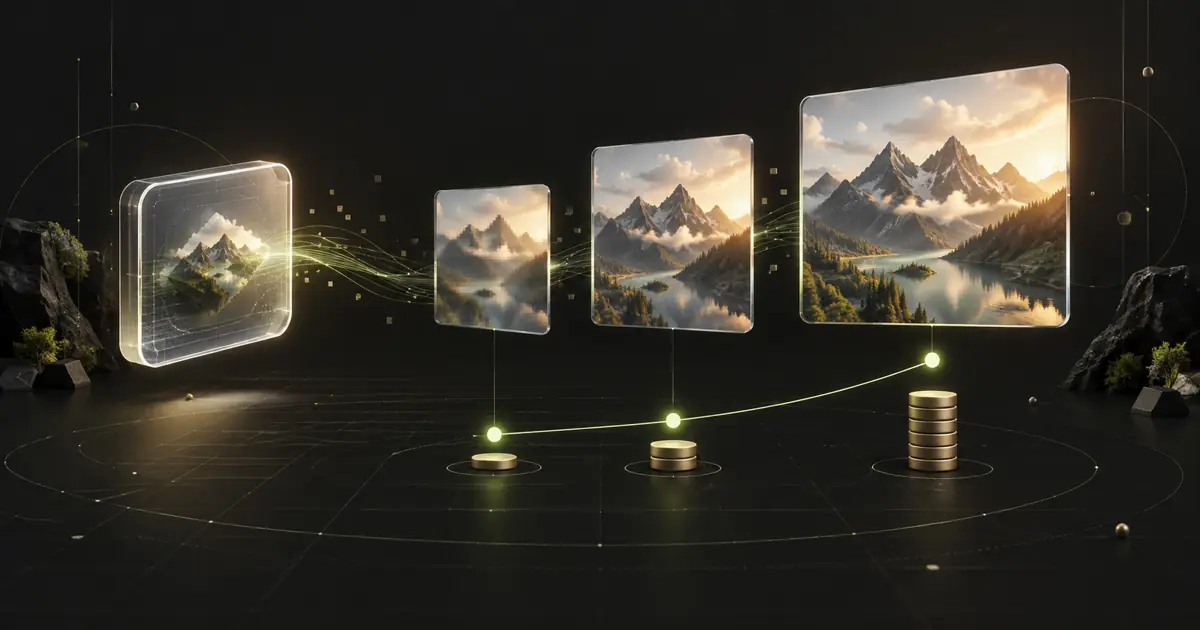
The same model can make a small concept draft and a higher-resolution campaign image, with per-image pricing tied to the chosen tier. Choose the tier for the final use rather than requesting 4K for every exploration. The price section remains the current source for rates; higher resolution adds detail capacity, not a guarantee of correct logos, readable fine print or pixel-perfect editing.
Nano Banana 2.1 API: practical questions
Nano Banana 2.1 is Google’s successor to Nano Banana 2 for image generation and editing. It turns a written brief, with optional references, into product scenes, portraits, illustrated characters and artwork containing text. BeatAPI exposes it as an asynchronous image-task API with 1K, 2K and 4K output. The final image still needs review when likeness, labels or factual information are important.
Try 2.1 for new work that benefits from improved visual quality, prompt adherence, lettering and character consistency. The gateway uses the same request fields and resolution-tier prices for both models. Keep Nano Banana 2 for an already approved series until you have checked the new output: compatible requests do not imply identical images, colors or faces.
Use the existing image as a reference and describe the desired change in the prompt: for example, a new background while keeping the product shape and label. Pass 1–14 public HTTPS PNG, JPEG or WebP references; a local file must first go through the documented upload flow. Start a new task for each revision. The instructions guide a generated edit, so important untouched details can still change.
Choose 1K, 2K or 4K, a supported aspect ratio, and PNG or JPEG output. The defaults are 1K, square and PNG. Fourteen fixed aspect ratios plus auto include 8:1 and 1:8 for extreme layouts. A resolution tier is not an exact pixel-width request. When a fixed-size canvas or transparent PNG is essential, compare GPT Image 2’s supported controls rather than expecting those fields on 2.1.
This endpoint uses per-image retail prices by output resolution, rather than a text-token price calculation. Refer to the price section for current rates and the task’s usage for settlement details. Compare alternatives at the same required tier: a 1K draft is not a fair price comparison for a 4K deliverable.
Image generation runs asynchronously. Save the returned task ID, then check that task until it succeeds or fails. After success, read the media output; a queued or processing task is not a finished image. On failure, use the documented error and retry policy instead of repeatedly submitting a new job without checking the original task. Full request and response examples are in the API tab.
You can describe a local change and identify the details to preserve, but the gateway does not expose an explicit mask field. A marked-up reference can communicate the target area without guaranteeing pixel-locked preservation; drawn guidance may also remain in the result. For work that requires untouched pixels to stay identical, use a separate workflow that actually supports masks or finish the edit in an image editor.
2.1 improves consistency, but does not guarantee identical faces, labels, poses or fine product details. Use a clear, approved reference and list the identity cues that matter; keep it in later revisions instead of relying on the task history as memory. Fourteen accepted references are not a guarantee of fourteen preserved subjects. For a finished series, review the images together, including small logos and hands.
Yes, especially when the key message, exact wording and reading order are clear. Short headings and supporting lines suit image-based design better than long pages of small print. Check spelling, numbers and factual relationships before publication; higher resolution does not make a diagram’s claims true. For important schedules, legal wording or editable copy, add the final text in a layout tool after creating the visual.
Lite is an option for a simple 1K draft; its 1K price is currently below 2.1’s. Pro offers another route for complex diagrams or localized brand layouts, with higher same-tier spend rather than a guaranteed accuracy win. GPT Image 2 adds up to 16 references, supported exact sizes and transparent backgrounds. Use the task comparisons to weigh those controls against 2.1’s reference-led scenes and extreme aspect ratios.
A task ID retrieves the status and output of that task; it is not a conversation-session input for the next image. To continue editing, make the approved output available as a supported public HTTPS reference and submit a new task with the next instruction. Keep your own creative brief and the reference you want to preserve, so the new task receives the information it needs.
The image-task contract for Nano Banana 2.1 exposes text prompts, image references, aspect ratio, resolution and PNG/JPEG format. It does not expose a web-search toggle, video input, an explicit mask, a transparent-background control or an exact pixel-size field. Features available in another product or a direct vendor API are not automatically fields in this endpoint. Use the API tab for the supported request and GPT Image 2 for its documented transparency and size controls.
Explore more APIs
Connect Nano Banana 2.1 with other production-ready APIs in the BeatAPI catalog.