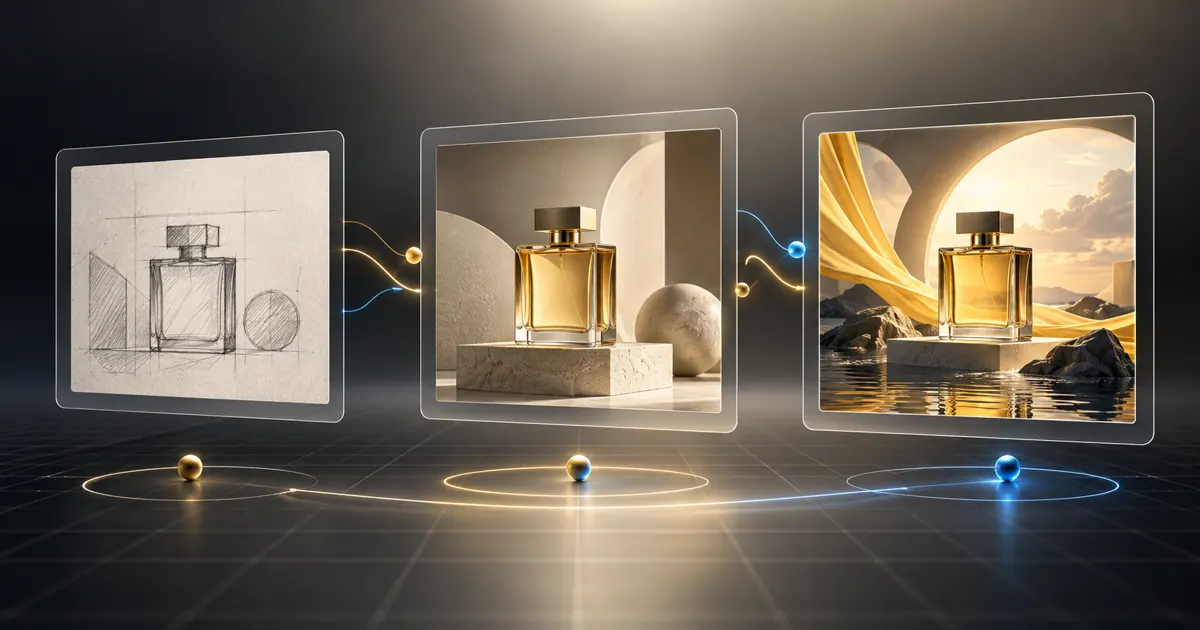
Nano Banana Pro turns detailed briefs and reference images into product scenes, multilingual layouts and information graphics. Generate or edit images at 1K, 2K or 4K, with up to 14 references and control over composition, lighting and on-image text.
Send model=nano-banana-pro and a prompt of 1–5000 characters, without images. Describe subject, layout, lighting and exact text, then set aspect_ratio, resolution and output_format for the deliverable.
Reference-led generation or editing
Add 1–14 public HTTPS PNG, JPEG or WebP image URLs in images. Explain which image supplies the subject, which supplies the environment and what must change. Upload local files first and pass the returned URL; a local path or a webpage URL is not an image input.
Output configuration
Use resolution=1K, 2K or 4K and output_format=png or jpg; defaults are 1K and png. aspect_ratio defaults to 1:1 and accepts 2:3, 3:2, 3:4, 4:3, 4:5, 5:4, 9:16, 16:9, 21:9 or auto. Use the listed values, not another provider's quality, size or jpeg fields.
Nano Banana Pro capabilities
Gemini 3 Pro Image combines image generation with visual reasoning for briefs that involve precise wording, several subjects or a controlled edit. Describe the relationships between elements as well as their appearance.
Typography inside the composition
Nano Banana Pro generates lettering as part of posters, menus and packaging concepts rather than requiring a separate text overlay. A brief can specify exact copy, reading order, placement and type treatment. Keep critical wording concise and proofread spelling, line breaks and fine print at the intended display size.
Multilingual visual adaptation
An existing layout can become a new-language image while retaining its visual direction. Supply the source image and approved replacement copy, then identify the text regions and elements to preserve. The result is a raster design; review language, text fit and cultural details rather than treating it as an editable typesetting file.
Multi-reference scene assembly
Up to 14 reference images can supply products, people, environments or visual direction for one composition. Assign each reference a role in the prompt and describe the intended arrangement. Reference count is an input limit, not a promise that every face, logo or object will remain identical; compare important details with the originals.
Targeted photographic edits
Natural-language edits can change a background, camera viewpoint, depth of field or lighting treatment. Supply the existing image and separate the requested change from protected details such as product shape and label content. Each revision is a new image task; use the selected previous output as a reference when continuing an edit.
Structured information graphics
Nano Banana Pro turns supplied facts, steps and relationships into illustrated explanations. A useful brief specifies the hierarchy, labels, connecting arrows and visual metaphor, so the output has a defined reading path. Keep source data in the request and check numbers and relationships; this BeatAPI endpoint does not expose a Google Search grounding switch.
Nano Banana Pro visual prompt examples
These original prompts are starting points for new requests. Add your own authorized reference images where specified, select the output settings and inspect the generated result.
Three-step maintenance graphic
Text-only brief. Start with 4:3, 2K and PNG. Check the three labels and arrow order; no reference image is required.
Create a clean three-step instructional graphic for caring for a ceramic mug. Use a horizontal 4:3 layout, white background, dark charcoal labels and small green number markers. Step 1: a mug being washed with a soft sponge, label exactly '1. WASH'. Step 2: the mug resting upside down on a drying rack, label exactly '2. DRY'. Step 3: the mug stored upright on a shelf, label exactly '3. STORE'. Connect the steps from left to right with simple arrows. Use realistic ceramic surfaces, generous spacing and legible labels. Add no other text, logos or decorative captions.
Product reference composition
Requires two of your own images: product first, surface second. Start with 4:5, 2K and PNG. Check silhouette, label and scale against the product input.
Use image 1 as the sole product identity reference and image 2 only as the tabletop material reference. Create a 4:5 editorial product scene with exactly one copy of the product from image 1 on the surface from image 2. Preserve the product silhouette, cap shape, label wording and relative proportions. Place the product slightly left of center with clear space on the right. Use soft window light from the upper left and a natural contact shadow. Keep the label facing the camera and in focus. Do not add text, duplicate the product or introduce new branding.
Poster copy replacement
Requires your own source poster. Start with the source aspect ratio, 2K and PNG. Inspect headline placement and confirm that the rest of the source design is preserved.
Edit the supplied poster. Replace the main headline with exactly 'NEW SEASON' and replace the subtitle with exactly 'Explore the collection'. Keep the original product image, background, brand colors, logo and overall reading hierarchy. Fit the new copy inside the existing headline and subtitle regions with clear spacing and legible lettering. Do not add dates, prices, extra logos or additional text. Preserve the original composition and aspect ratio.
See the capabilities in the output
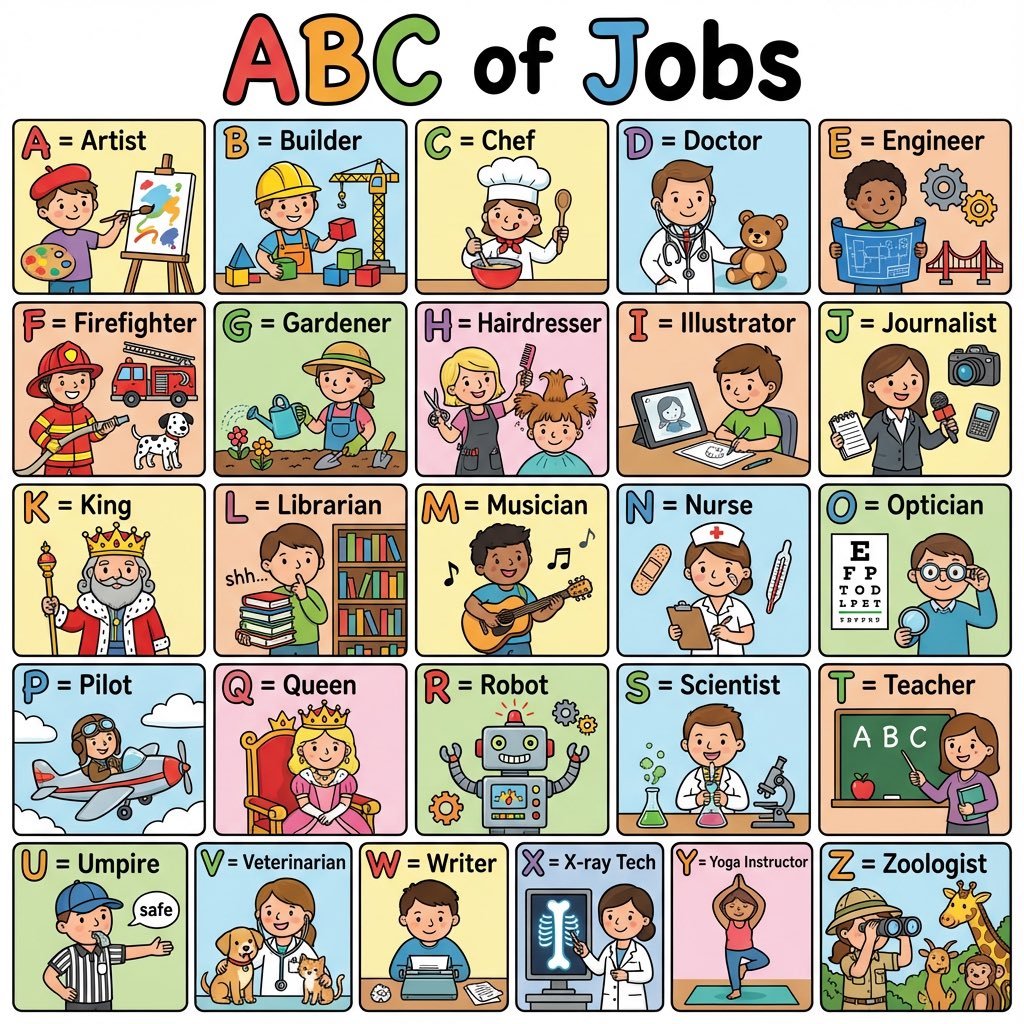
ABC of Jobs poster
Create a colorful ‘ABC of Jobs’ poster for kids with cute illustrations for each letter A–Z. Bright colors, bold letters, simple details, clean layout.
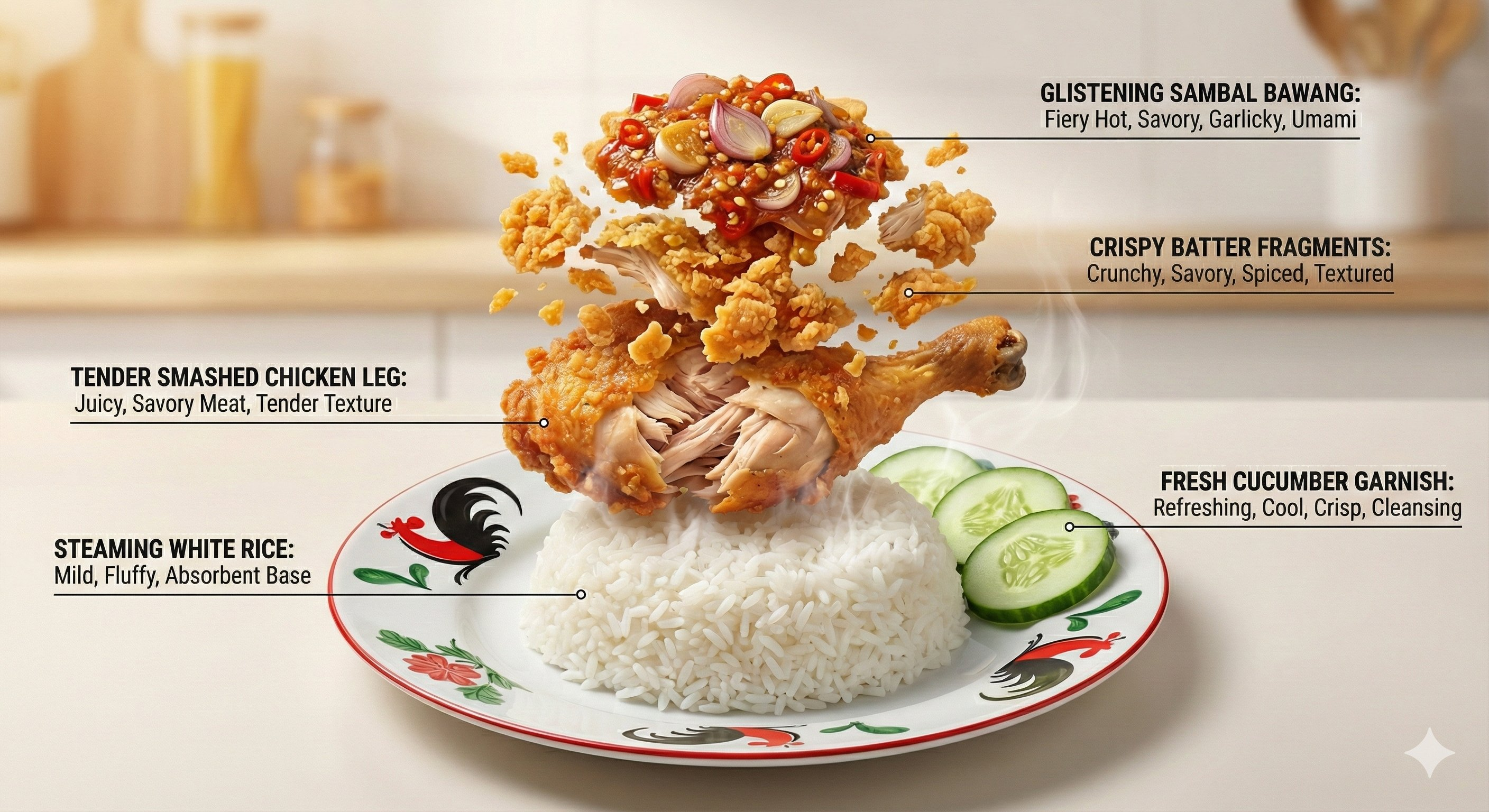
Deconstructed food infographic
Create a hyper-realistic infographic of authentic Ayam Geprek (chrused whole leg), deconstructed to show the texture of the crispy golden-brown fried chicken batter, the tender smashed meat, and the glistening, sambal bawang topping. Label each layer including the steaming white rice and fresh cucumber garnish (on a ayam jago plate) with its flavor profile.
Nano Banana Pro use cases
Make localized posters from approved copy, product scenes from reference photos, and instructional graphics from your own procedures.
A localized launch poster
A source poster and approved translated headline become a localized campaign image. The prompt identifies the headline and date to replace while preserving the product photograph, brand colors and reading hierarchy. Review the translation, line length and small text before exporting each market's version.
A product scene from several references
Product packshots, a surface reference and a lighting reference provide separate roles for a lifestyle composition. The brief fixes the product count and arrangement and specifies which labels must remain visible. The output is a campaign image candidate; compare packaging geometry, label spelling and relative scale with the original products.
An illustrated process card
An approved three-step procedure, labels and an optional sketch become a readable instructional image. Specify one illustration per step, numbered headings and arrow direction instead of asking for a generic infographic. Review every label and connection against the supplied procedure, especially where the graphic communicates technical instructions.
A packaging design mockup
A package photograph, a color reference and exact front-label copy form a packaging concept brief. Nano Banana Pro can place the new design in a shelf or studio scene with specified camera angle and material treatment. Use the image for visual review, then recreate approved artwork in the production design system with verified dimensions and print specifications.
A lighting revision of an existing asset
An existing image and a change list become a new lighting treatment, such as a daylight scene adapted for evening. The prompt protects product geometry and framing while describing the light source, shadows and color temperature. Compare the revised image with the source to catch altered logos, surfaces or unintended background changes.
A recurring character in a new scene
Character references and a scene brief produce an illustration for the next chapter, lesson or campaign. Specify the visible traits to retain, the pose and how the character interacts with the environment. Review face, clothing and distinctive details across the series; send references again for each task rather than relying on stored conversational memory.
Compare Nano Banana Pro with other models
Compare published specifications and evaluate output quality on your own workload.
Choose Nano Banana Pro for designs that combine exact copy, several visual references and repeated image edits.
Lettering and composition in one image
Nano Banana Pro combines image generation with lettering, multilingual adaptation and reference-led composition. Posters, packaging concepts and illustrated explanations can therefore begin with approved copy and visual source material in the same brief.
Explicit roles for up to 14 references
BeatAPI accepts the image URLs in one images array. The prompt identifies which reference supplies a product, a person, a setting or a layout, keeping scene assembly and subsequent edits in one documented request structure.
Resolution-specific image pricing
Choose 1K or 2K at the same current per-image rate, or 4K at a higher rate. Reference editing uses the same resolution-based price as text-to-image generation. Use the price table to estimate the job and task usage to check the final charge.
Refine a selected design instead of starting over
Use a selected output as the reference for another edit, such as changing the lighting or replacing a heading. This suits design reviews where the composition is already chosen. Include the reference image in each request and check that details you wanted to keep have not changed.
Nano Banana Pro FAQ
Nano Banana Pro is Google DeepMind's Gemini 3 Pro Image model for image generation and editing. It focuses on complex visual briefs, on-image typography, multilingual adaptation, reference-based compositions and detailed creative control. BeatAPI provides text-to-image and reference-image tasks with up to 14 inputs and 1K, 2K or 4K image output. Use a BeatAPI API key to create an asynchronous task, then retrieve the completed image through the task API.
Create product scene candidates, packaging mockups, localized posters, instructional graphics and recurring-character illustrations. Text-only requests work for new concepts; reference images provide an existing product, layout or character to work from. Define the exact task, output placement and required checks. The deliverable is an image, so vector artwork, production dielines and editable text layers still belong in your design tools.
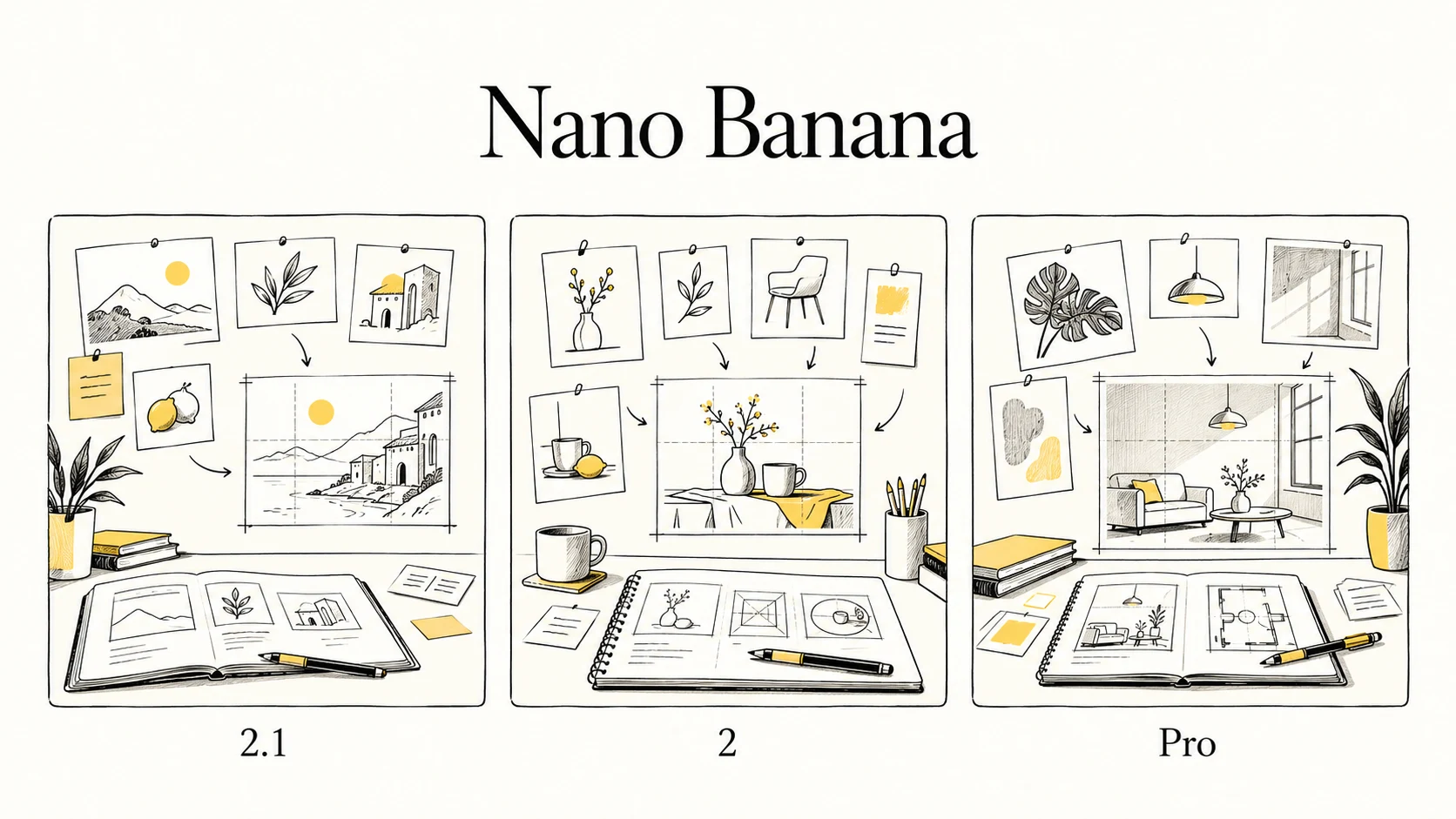
Nano Banana Pro uses Gemini 3 Pro Image for detailed visual briefs. Nano Banana 2 uses Gemini 3.1 Flash Image. We offer both at 1K, 2K and 4K; Lite is 1K-only. Each has a separate model ID and price, not a quality setting within Pro. Compare the same brief and resolution before choosing.
The images array accepts 1–14 public HTTPS URLs pointing directly to PNG, JPEG or WebP images. Omit the array for text-to-image. Error pages, GIFs and missing files are not valid image inputs; validation may fail during creation or subsequent processing. Upload local inputs first and use the returned URL. Describe each reference's role in the prompt; the API does not have separate character, object or style-reference fields.
Yes. Nano Banana Pro can generate text in a visual layout and edit text in an existing image. Provide the exact approved wording, its position and the hierarchy; for localization, add the source image and explicit replacement copy. Check spelling, grammar and the fit of translated text, particularly small labels and dense paragraphs. For text that must remain editable or exact in every revision, finish typesetting in your application or design tool.
Set resolution to 1K, 2K or 4K and output_format to png or jpg. Supported aspect_ratio values are 1:1, 2:3, 3:2, 3:4, 4:3, 4:5, 5:4, 9:16, 16:9, 21:9 and auto. Defaults are 1K, png and 1:1. These are resolution tiers, not a width-and-height API; inspect the delivered file dimensions before layout. 8K, custom size and the jpeg output value are not accepted by this model's BeatAPI request schema.
BeatAPI prices this model per generated image with separate 1K, 2K and 4K rows. Choose the resolution before estimating a job and read the current price table for that tier; reference editing uses the same resolution-based model price. The public price table and task usage are the billing references, not Google token rates or another provider's input-image and search surcharges. Keep the task ID and usage with each saved asset so your application can reconcile its generation spend.
Send a Bearer-authenticated JSON request to POST https://api.beatapi.io/v1/images/tasks with model=nano-banana-pro and prompt. Save data.id from the 201 response, then query GET /v1/tasks/{task_id}. When data.status is succeeded, read data.output.media and use its image URL in your application. On failed, stop polling and inspect data.error_code and data.error_message. The model documentation contains the full request and task examples; do not treat the initial queued response as the final image.
This BeatAPI endpoint accepts prompt, optional images, aspect_ratio, resolution and output_format alongside the model ID. It does not expose search grounding, seed, thinking controls or a conversation history field. Put the facts and references you need in the request. To continue an edit, create a new task with the chosen previous image as a reference and a new instruction; do not copy unsupported controls from Gemini or another provider's SDK.
Separate a rejected creation request from a task that later reaches failed. For 400 responses, correct the named field or input before resubmitting; unchanged input is not a useful retry. For 429, respect Retry-After rather than starting more tasks immediately. A failed task ends the polling loop; retain the task ID, error and request ID for diagnosis, then follow the documented error and retry policy. Keep output-quality revisions separate from transport retries.
Explore more APIs
Connect Nano Banana Pro with other production-ready APIs in the BeatAPI catalog.